

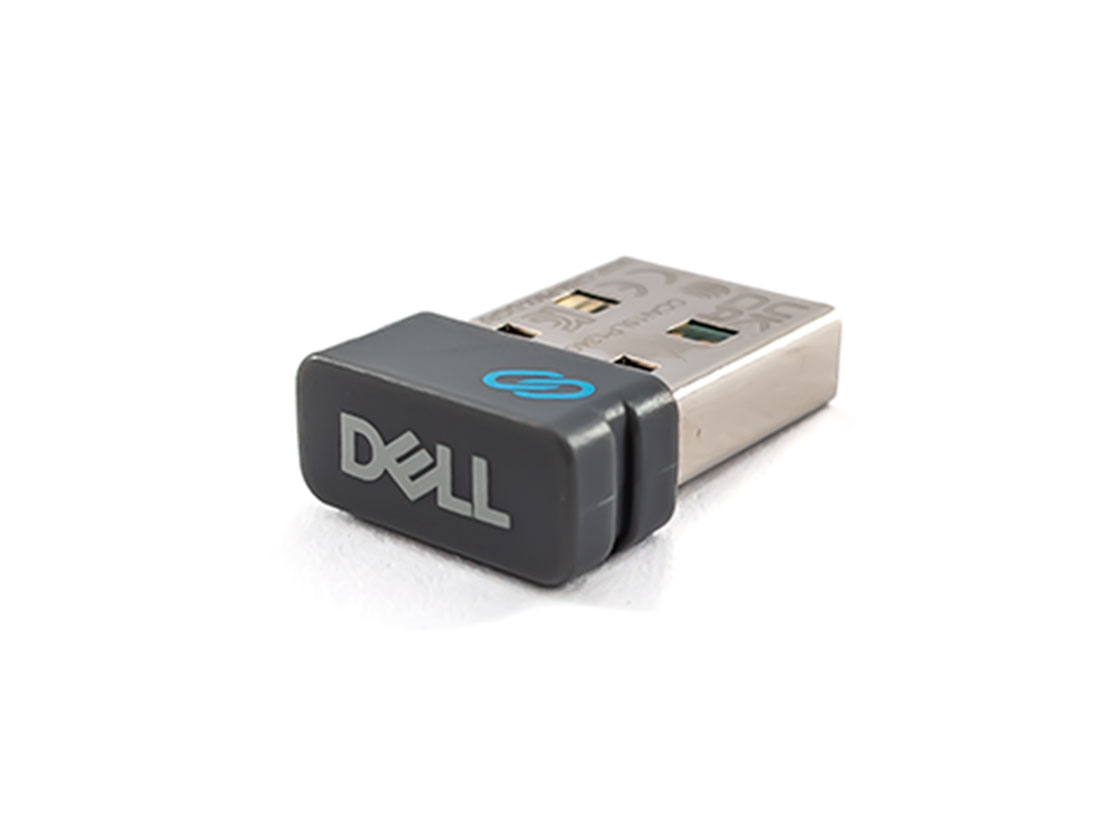

Dell WR221 Universal Receiver
Product:
Genuine Original Dell product
Model:
WR221
Compatibility:
Dell Premier Multi-Device Wireless Keyboard and Mouse – KM7321W
Dell Premier Rechargeable Wireless Mouse – MS7421W
Dell Pro Wireless Keyboard and Mouse – KM5221W
Dell Mobile Wireless Mouse – MS3320W
Dell Mobile Pro Wireless Mouse – MS5120W
Dell Multi-Device Wireless Mouse – MS5320W
Dell Multi-Device Wireless Keyboard and Mouse Combo – KM7120W
Dell Wireless Keyboard and Mouse – KM636**
Dell Wireless Mouse – WM126**
Dell Premier Wireless Keyboard and Mouse – KM717**
Dell Premier Wireless Mouse – WM527**
Dell Wireless Laser Mouse – WM514**
Dell Wireless Mouse – WM326**
Dell Premier Wireless Keyboard – WK717**
Dell Wireless Keyboard and Mouse – KM714**
**Supports Dell Universal Pairing only. Does not support Dell Peripheral Manager
Specification:
Device Type
Wireless mouse / keyboard receiver
Interface Type
USB, RF 2.4 GHz
Dimensions (WxDxH)
1.42 cm x 1.99 cm x 0.66 cm
Key Features:
Pair up to 6 compatible devices
Plug in the Dell Universal Pairing Receiver to your PC and connect up to six different compatible keyboards and mice. Now you can switch between devices without needing multiple receivers.
Dell Universal Pairing feature
All keyboards and mice with the Dell Universal pairing icon can be paired with the Dell Universal Pairing Receiver. Enjoy the convenience of leaving your keyboard and mouse set at home and another mouse in the office without having to carry them around.
Pairing:
Dell Universal Receiver Control Panel
You can add Dell Universal compatible wireless devices to the receiver using Dell Universal Receiver Control Panel.
Installing Dell Universal Receiver Control Panel
To install Dell Universal Control Panel:
Turn on the computer.
Open the web browser and navigate to www.dell.com/support.
Type in the Search bar “dell universal receiver”. Then click Search.
Download and install the Dell Universal Receiver software in your system.



Reviews
There are no reviews yet.